All photo templates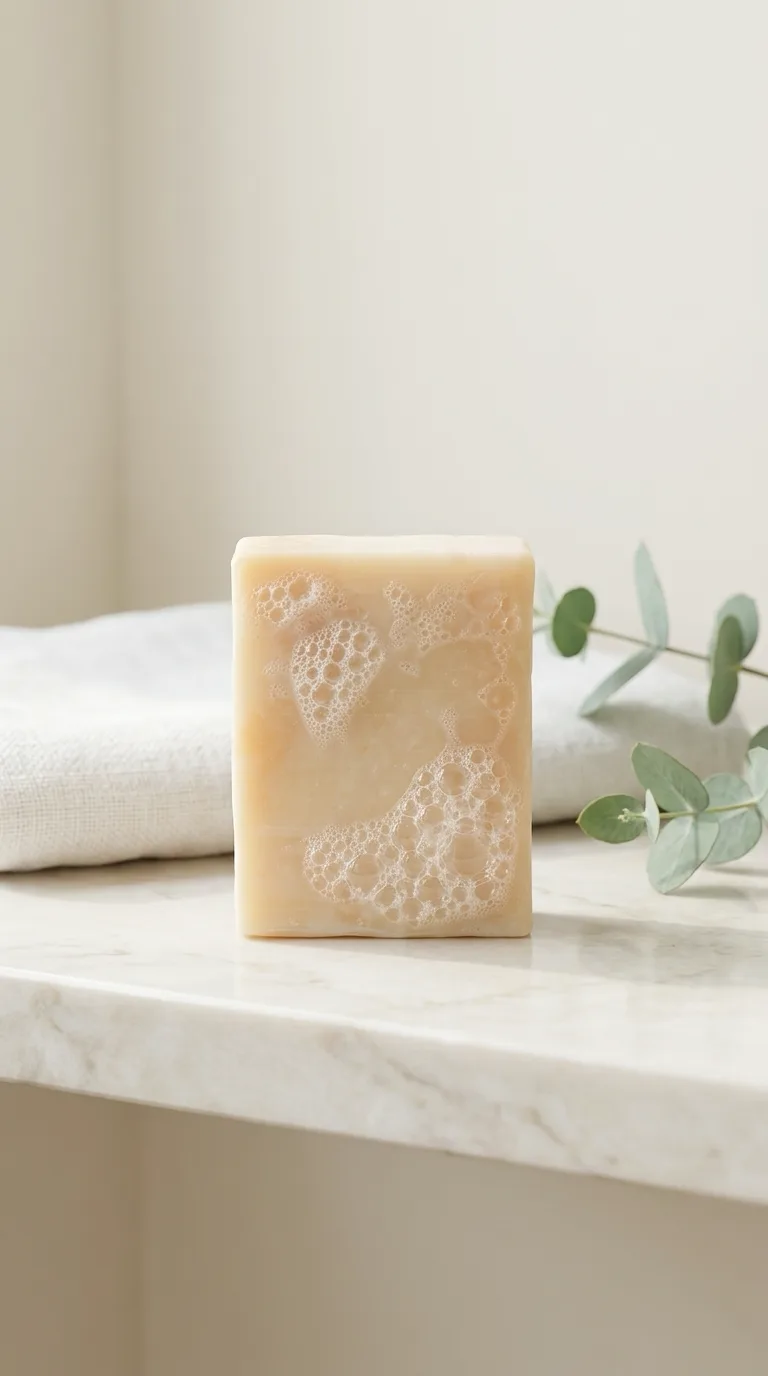
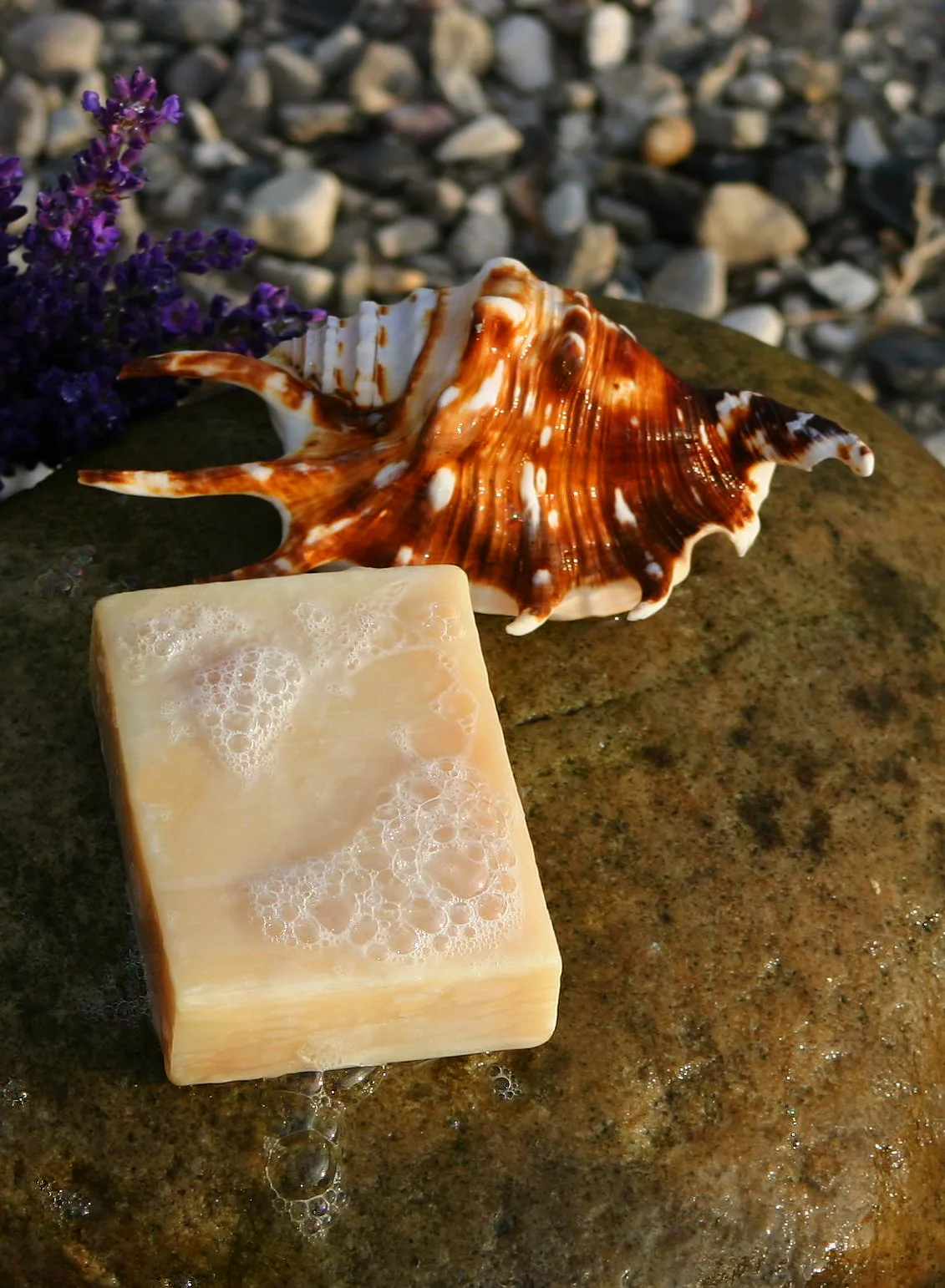 BeforeAfter
BeforeAfterBathroom shelf
Best for an Etsy listing.
Drag the photo to compare. Your product stays the same; only the scene around it changes. Use the prompt below with your own product photo, free.
1Copy the prompt
The prompt below updates as you type.
Prompt Use the product in my photo exactly as it is: same shape, colors, label, text and size. Do not redraw it and do not add any new text or logo. Remove everything else from my photo: the old background, surface and any other objects. Place the product on a pale marble bathroom shelf. Behind it, softly out of focus: a folded white linen towel and a sprig of eucalyptus. Soft morning window light from the left, gentle shadows. Camera about 45 degrees above, 50mm look, shallow depth of field. Clean white, cream and sage colors. Photorealistic product photo, vertical 9:16, the product in the center filling about 35% of the frame width, empty space above it.
2Open an AI image tool and upload your photo
Start a new chat or a new image, then add a sharp photo of your product.
3Paste the prompt and generate
Then check your product before you use the image:
- Same shape, color and label as your real product.
- If the tool changes your product's color or shape, generate again.
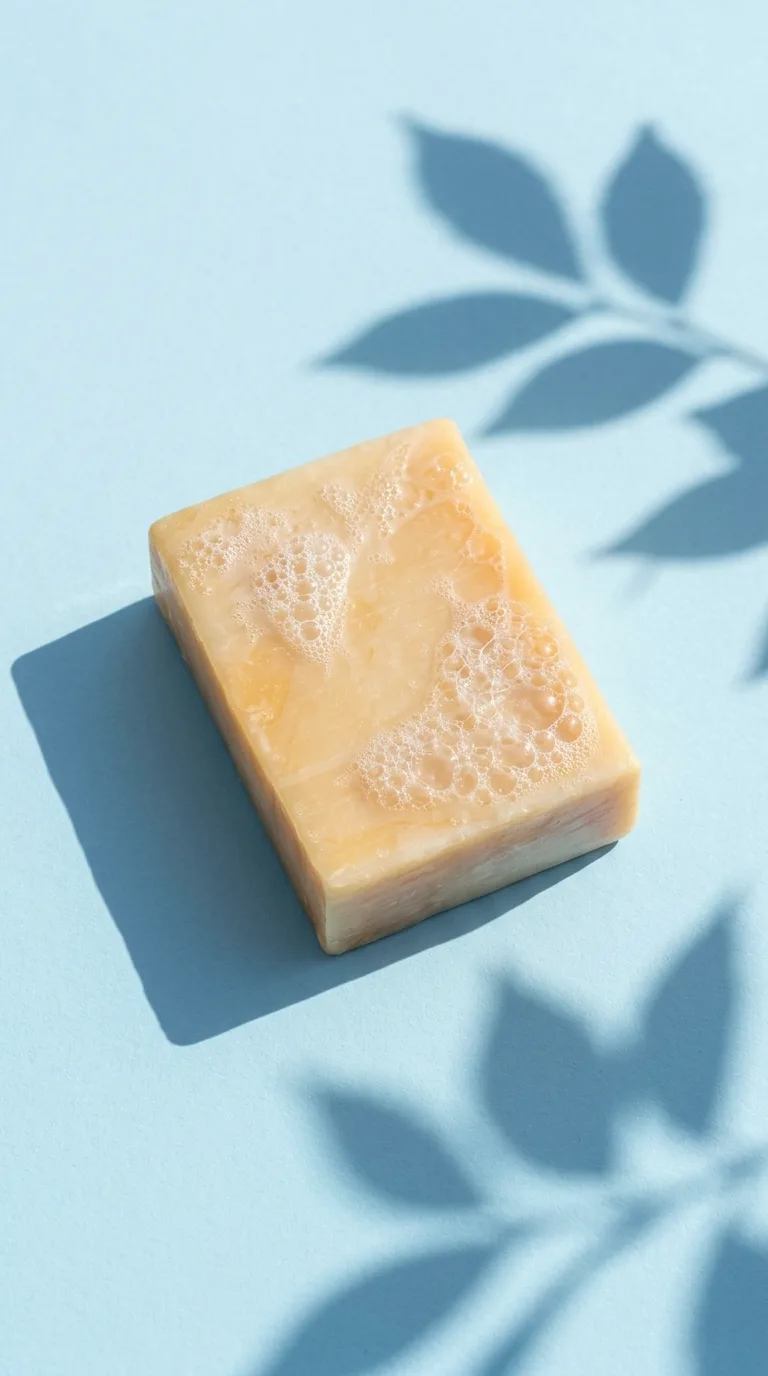
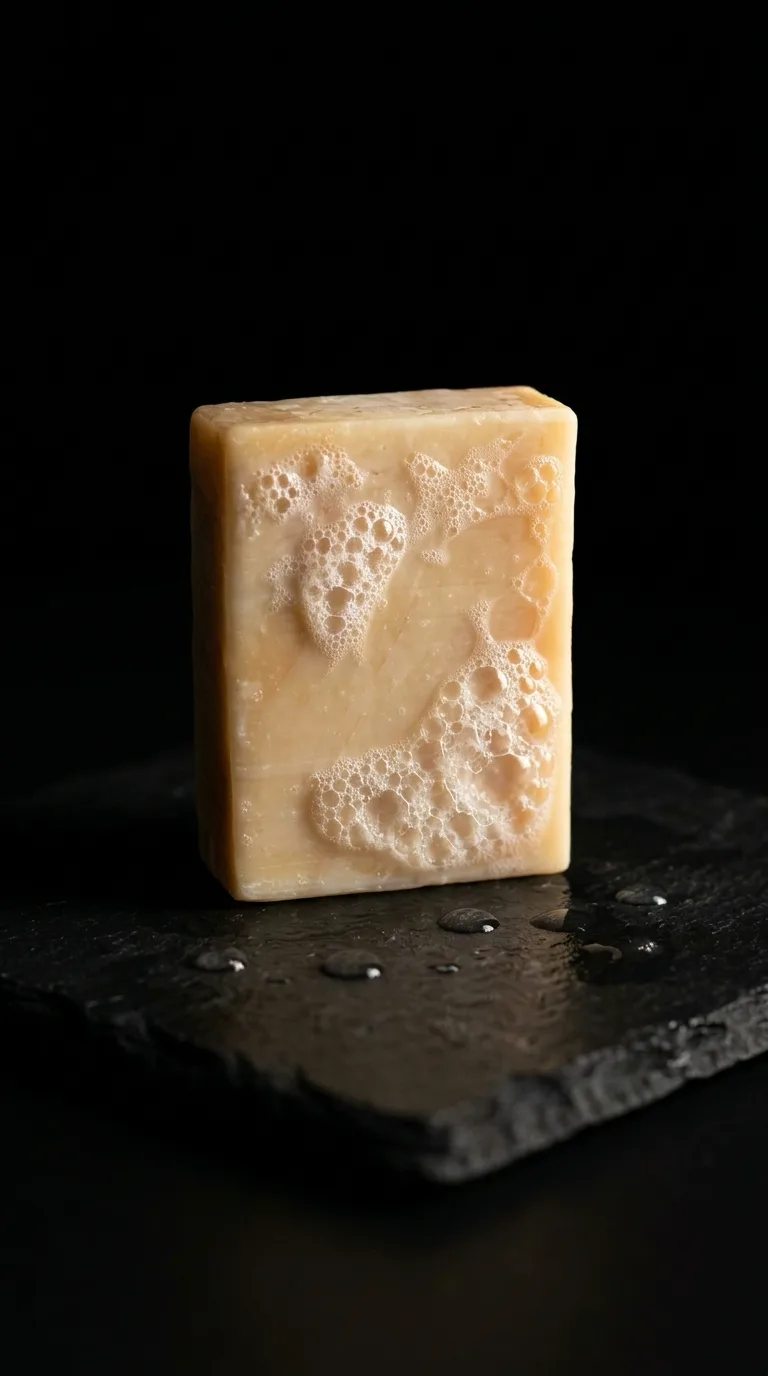
More looks
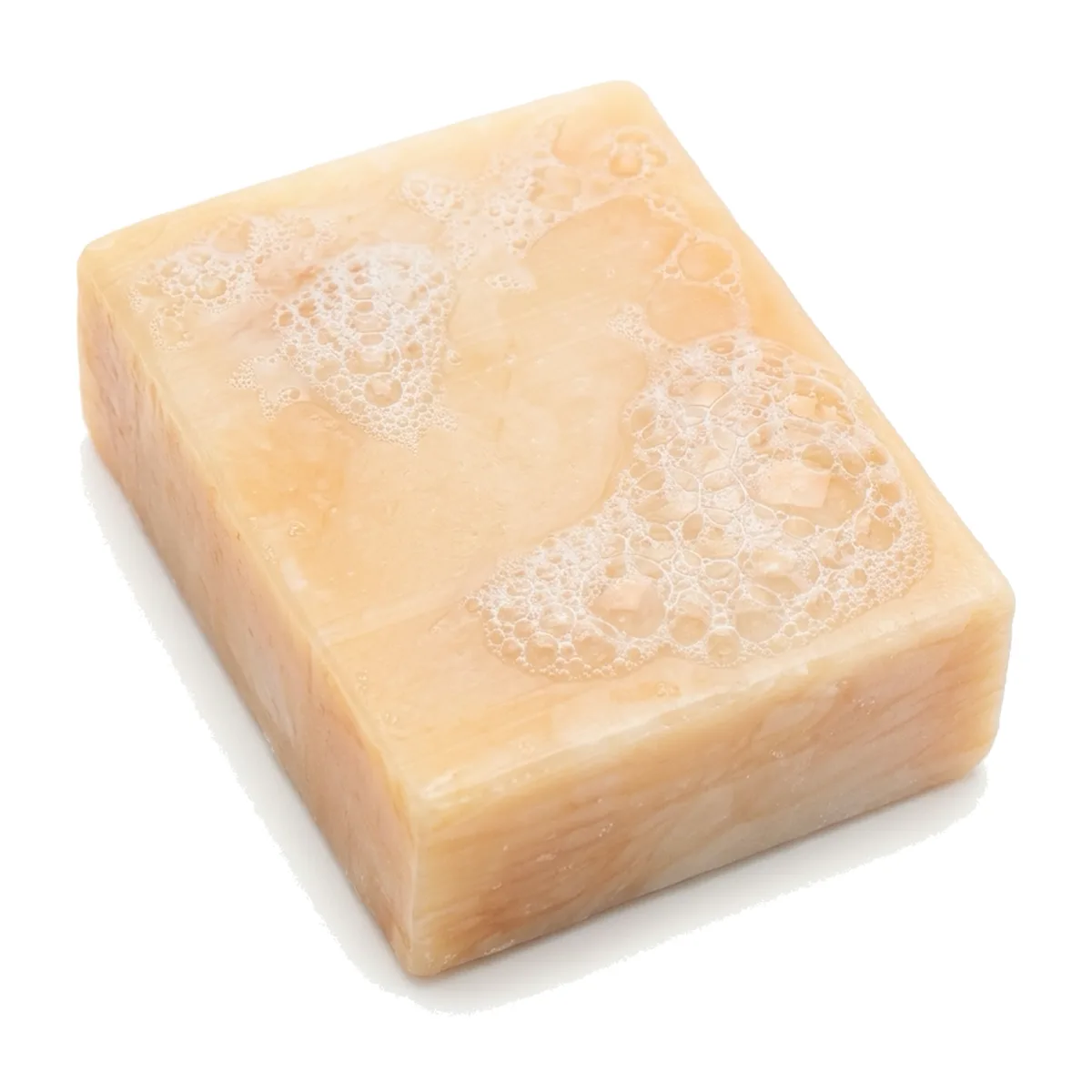
The “before” is a real amateur photo, “Handmade soap” by Malene Thyssen, used under CC BY 2.5. The “after” scene is AI-generated from that photo with the prompt above, with “soap bar” as the product.
