Harbor & Pine is a made-up shop for this demo, not a real business.
The prompt
Build a one-page website for "Harbor & Pine", a made-up interior design studio. Sections: hero with headline "Rooms that feel like you" and a "Book a free call" button; 3 services (Full room design, Color consult, Online styling) with one line each; 4-photo portfolio grid; 3 short client quotes marked "sample text"; email signup; footer. Style: warm oak, off-white, deep green accents, large serif headings, generous whitespace. Mobile first.
Tools used and what they cost
| Tool | Used for | Cost in this demo |
|---|---|---|
| Durable | Website plus bookings and CRM from four answers and the prompt | Free plan: 300 AI credits to tryChecked Oct 11, 2026 · source |
| Lovable | Builds the site by chat; you own the code | Free plan: 5 build credits a day (up to 30 a month)Checked Oct 12, 2026 · source |
| Framer | AI agent builds desktop, tablet and phone layouts | Free plan: 500 AI credits to try, free Framer domainChecked Oct 12, 2026 · source |
All three tools turned our prompt into a working first draft for Harbor & Pine. They differ in what comes with that draft, how you edit it, and how much control you keep over the output. Durable sets up a full business suite in under a minute, Lovable writes web code in a chat box, and Framer designs three canvas layouts.
What each tool built
Durable
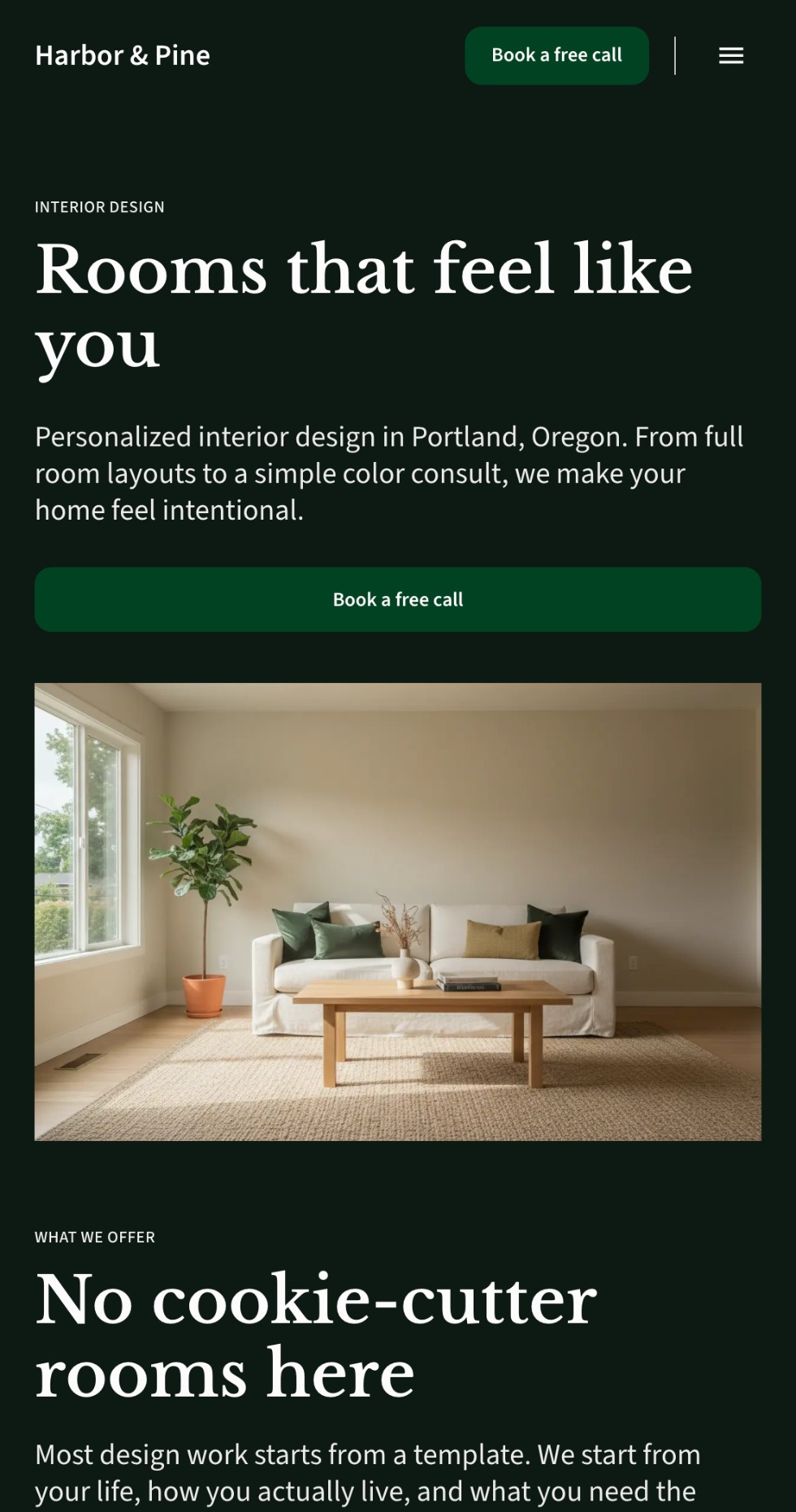
Durable asked four questions first: business type, location, business name, and style. It took about 50 seconds from clicking “Start building” to a full page in the editor. It set up an AI Website Builder, CRM, Bookings, AI Blog Builder, Studio (which drafted an Instagram post), and Discoverability. Theme buttons (Heritage, Airy, Vibrant, Artistic, Professional) changed the whole look in one click.
Durable made one mistake: instead of marking quotes as “sample text”, it invented three named clients, including “Maya Chen, Homeowner”. One sentence in AI Edit fixed this in about 15 seconds.
Lovable
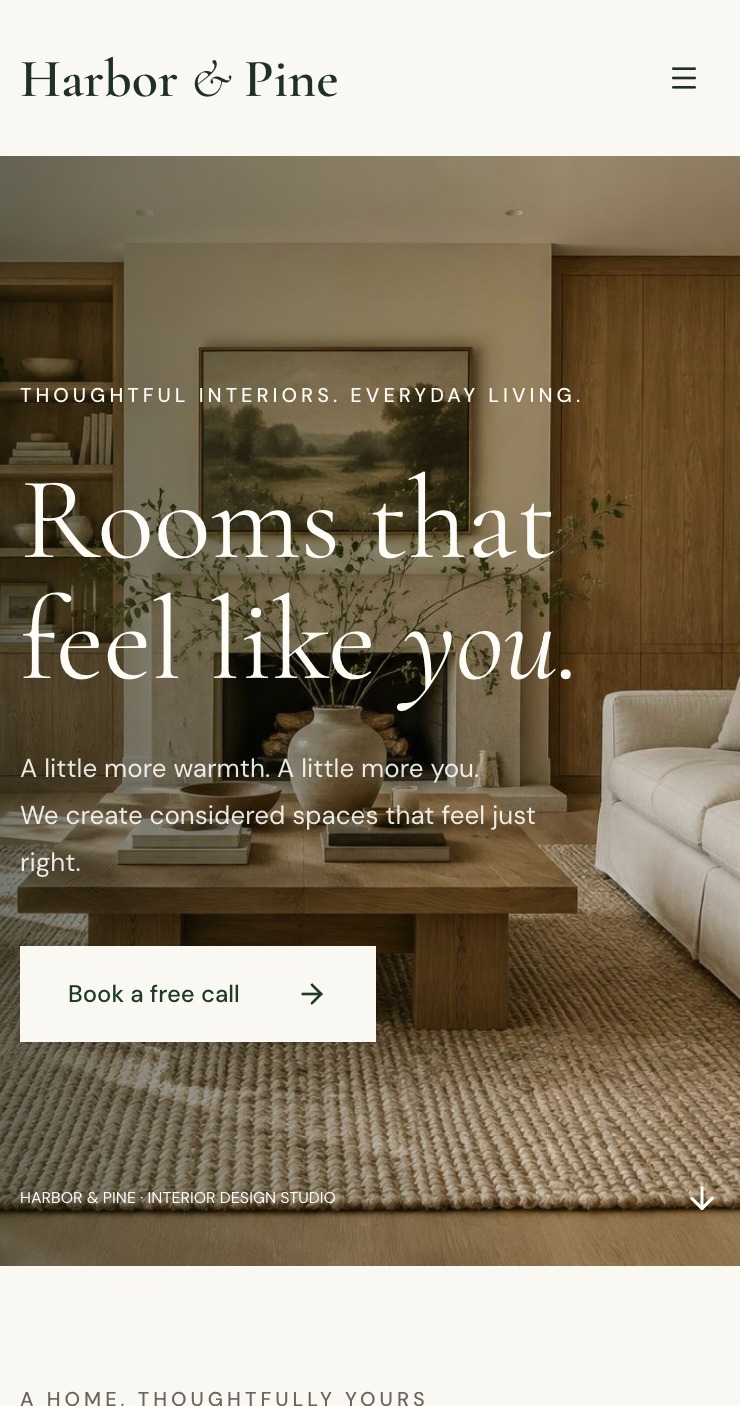
Lovable took about 4 minutes from prompt to finished page. During generation, it caught a blank-screen preview error and resolved it on its own without altering the design. It generated four interior photos directly on the page. It labeled all three quotes “SAMPLE TEXT”, though it kept short names like “Sophie M.”, and marked booking and email signup sections as demonstrations.
A follow-up prompt, “Make the ‘Book a free call’ button solid deep green with white text.”, took about a minute. The Code view shows every file, including src/routes/index.tsx. The free plan is read-only with a Download button, and Lovable states you own your code and can sync to GitHub.
Framer
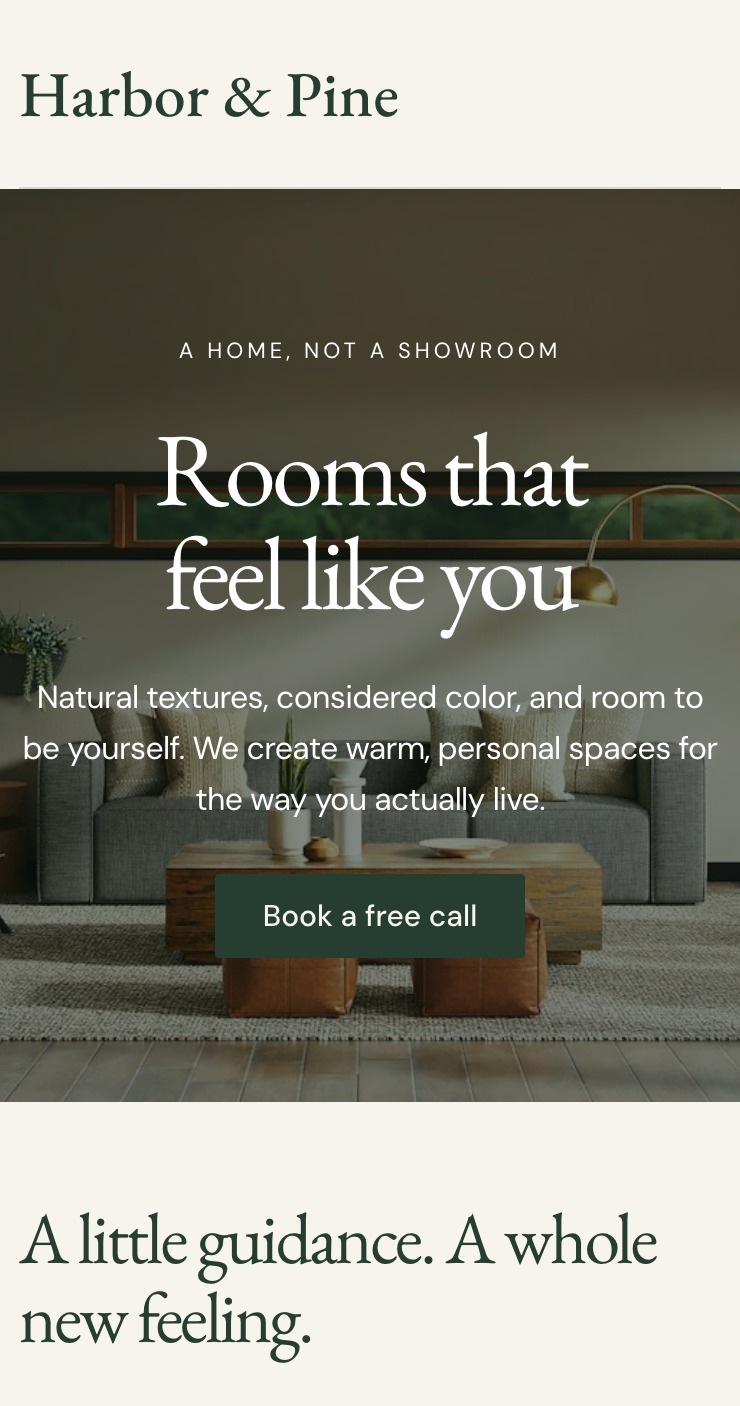
Framer’s AI agent asked one question first: reusable elements or a one-off page. It then built all six sections in about 2.5 minutes, generating desktop, tablet, and phone layouts. It searched stock-style photos rather than generating original images. Quotes were labeled “sample text” with no invented names.
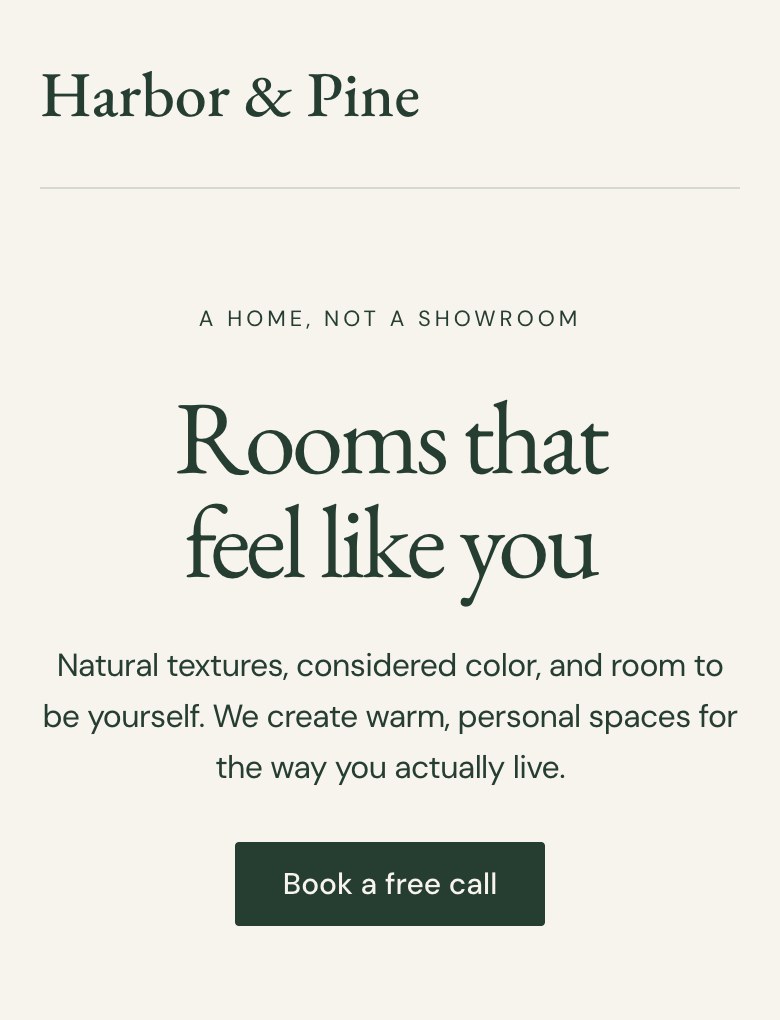
The initial hero arrived with plain text. We gave one follow-up instruction: “The hero feels too plain. Put a warm interior photo behind it, full width, with white text on top.”
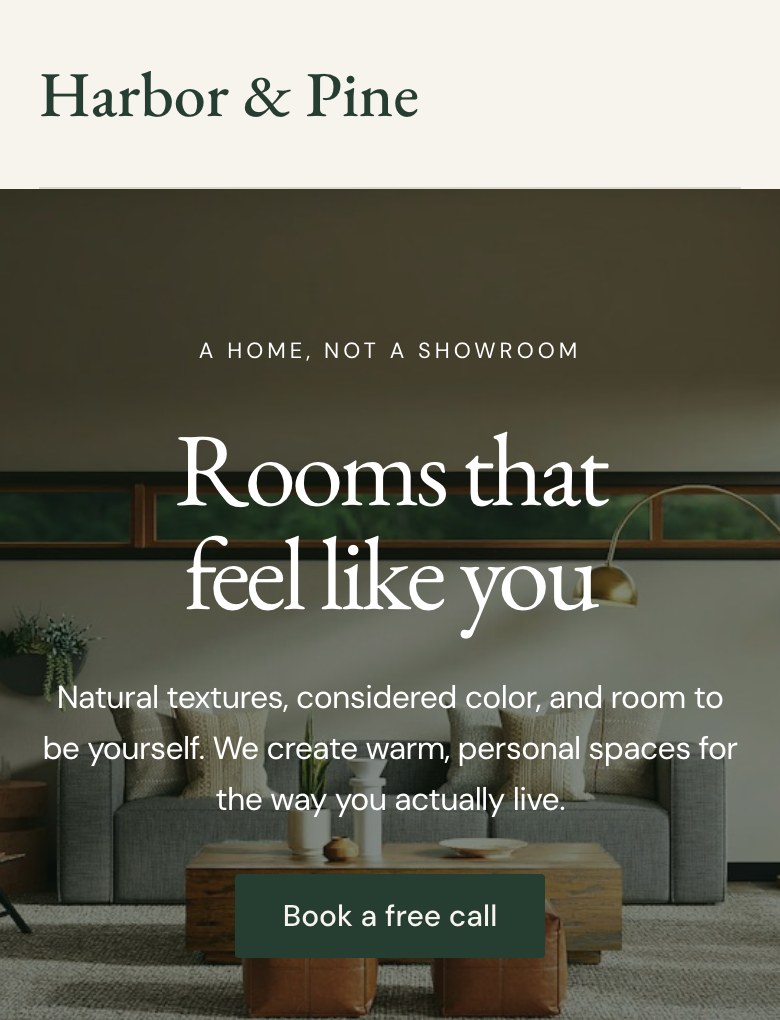
In about 50 seconds, Framer updated the hero across all three layouts. The same photo now appeared in both the hero and portfolio grid. The agent also noted that the booking button only scrolls to the footer and the email signup needs a destination before launch.
Check these before you publish
- Fake or half-invented testimonials: Durable invented names, and Lovable added first names to sample labels. Remove every placeholder review and use genuine client words or delete the block.
- Placeholder booking and signup forms: Framer’s button only scrolls to the footer, and Lovable tags forms as demos. Connect both to real inbox endpoints before sending visitors to the site.
- Photos and licensing: Lovable generated images while Framer retrieved stock photography. Confirm you hold commercial usage rights, resolve duplicate images, or replace them with your own studio photography.
- Real contact details: the demo used a made-up business, so check the header, footer and any policy pages show your real name, email and phone.
- Every line of copy: the AI writes plausible service descriptions from your prompt. Read every line and make sure it describes what you actually offer.
Worked example: what the first year costs
Here is a hypothetical interior design studio that needs its own custom domain and a few edits each month. Free plans cost $0 while you test drafts. To use your own domain name, you need a paid plan.
Here is what the first year costs based on list prices checked on October 11 and October 12, 2026:
- Durable Launch: $22 a month billed yearly ($264 total for the first year), or $25 month to month. Includes 1,000 monthly AI credits, built-in CRM, and a free domain registration up to a $20 value.
- Framer Basic: $10 a month billed yearly ($120 total for the first year), or $15 month to month. Includes 1,000 monthly AI credits and a free custom domain.
- Lovable Pro: $25 a month ($300 total for the first year). Includes 100 monthly build credits and custom domain support; the domain registration itself is bought separately.
These figures reflect list prices on the dates tested. Redo the math with your own plan and billing period before deciding.
Which one should you start with?
Choose Durable if you run a service business and need a site, CRM, and appointment booking in one place right away.
Choose Lovable if you want complete code ownership, GitHub sync, and the flexibility of an exportable web application.
Choose Framer if visual presentation matters most and you need responsive control across desktop, tablet, and phone views.
If you are only testing an idea, do not pay yet. Build on a free plan until you need your own domain. If you launch on Framer, remember Framer calls its free tier non-commercial, so budget for the Basic plan before taking client business.